
ChatGPT Image Prompts
Copy-ready ChatGPT image prompts for turning your photo into festive, seasonal and cinematic portraits. One tap opens ChatGPT with the prompt already typed in.
 By PankajUpdated
ChatGPT has become one of the most popular ways to turn an ordinary selfie into a festive portrait, a winter photo or a film-style still. The hard part is writing a prompt that keeps your face the same. This page collects every ChatGPT image prompt we have published, ready to copy. Each one asks ChatGPT to keep your face exactly as it is and only change the outfit, setting and light.
Tap the ChatGPT button under any prompt and ChatGPT opens with the prompt already typed in. New prompts appear on this page automatically as soon as we publish them.
All ChatGPT image prompts
Café Window Coffee
Keep my face and features from the uploaded photo exactly as they are. Create a cosy photo of me sitting by a café window on a foggy winter morning, holding a steaming cup of coffee with both hands. I wear a beige turtleneck sweater and a brown corduroy jacket. Raindrops and fog on the glass, warm café lights inside, the street outside blurred and grey. Soft side light from the window, gentle smile, shallow depth of field, vertical 4:5, realistic.
Train Window in the Hills
Keep my face from the uploaded photo exactly the same. Create a photo of me sitting by the window of a moving train in winter, my head resting lightly against the glass, earphones in, looking outside. I wear a navy blue hoodie under a camel overcoat. Through the slightly fogged window, snowy hills and pine forests pass by. Soft natural light on my face, calm, dreamy mood, muted colours, vertical 4:5, realistic.
Motorcycle at a Snowy Pass
Keep my face from the uploaded photo unchanged. Show me standing beside a touring motorcycle on a snowy mountain pass, wearing a black puffer jacket, riding gloves and a neck warmer pulled down, with my helmet resting on the seat. Colourful prayer flags flutter behind me and snowy peaks rise under a clear blue sky. Bright sunlight, crisp mountain air, confident smile, wide 24mm lens, vertical 4:5, photorealistic. No brand logos.
How to use these prompts in ChatGPT
ChatGPT can create and edit images from a photo you upload. Every prompt on this page has a ChatGPT button that opens ChatGPT with the prompt already in the message box.
On your phone or computer
- Tap the ChatGPT button under any prompt. ChatGPT opens with the prompt typed in, and the prompt is also copied.
- Tap + and attach one clear photo of yourself.
- Send the message and wait for the image to finish.
Making changes
- Reply with one change at a time, such as “make the background darker” or “keep my face exactly the same”.
- If the face changes too much, start a new chat, upload the photo again and resend the prompt.
- Download the image from the image menu when you are happy with it.
Popular ChatGPT photo ideas
These are the ChatGPT edits people ask for most.
Festival portraits
Diwali diyas, Holi colours, Christmas lights and Navratri garba scenes with a matching outfit.
Seasonal looks
Snowy winter coats, rainy-day umbrellas and golden autumn parks.
Cinematic stills
Dramatic light and colour grading that make your photo look like a frame from a film.
Couple and family photos
ChatGPT accepts more than one photo, so you can combine people into one portrait.
Professional headshots
A clean background, a blazer and soft studio light for LinkedIn or a CV.
Tips for better ChatGPT images
Keeping your face the same
Say it clearly
Every prompt here ends with an instruction to keep your face, features and skin tone unchanged. Keep that line when you edit a prompt.
Use a sharp, front-facing photo
Blurry, dark or side-on photos give ChatGPT less to work with, so the face is more likely to change.
Getting the details right
Change one thing at a time
Short follow-up messages, such as “warmer light” or “remove the second person”, work better than rewriting the whole prompt.
Ask for the shape you need
Add “portrait 4:5” for Instagram or “vertical 9:16” for stories and status updates.
ChatGPT prompts by festival and season
Browse ChatGPT-ready prompts in winter, Diwali, Christmas, wedding and birthday sections. Prefer another app? See our Gemini prompts and Grok prompts.
Latest ChatGPT prompt posts
 Chhath PujaChhath Puja Image Prompts (2026): 8 Arghya and Ghat Look Photos
 WinterWinter Image Prompts for Girls (2026): 8 Snow, Café and Shawl Looks
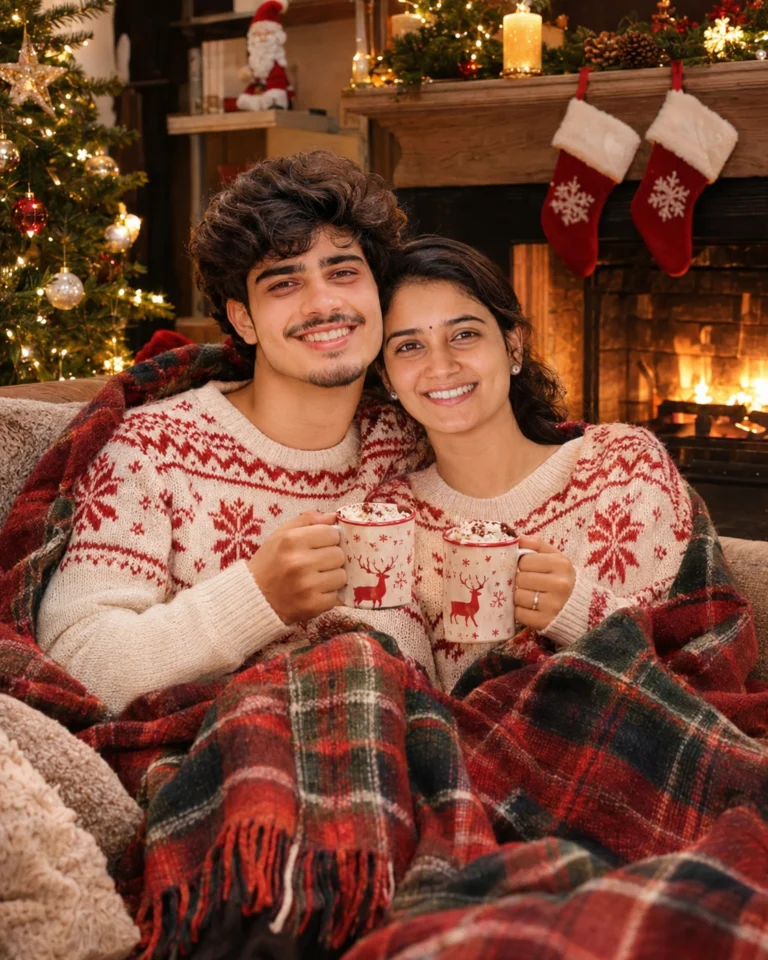 ChristmasChristmas Couple Image Prompts (2026): 8 Cozy and Romantic Ideas
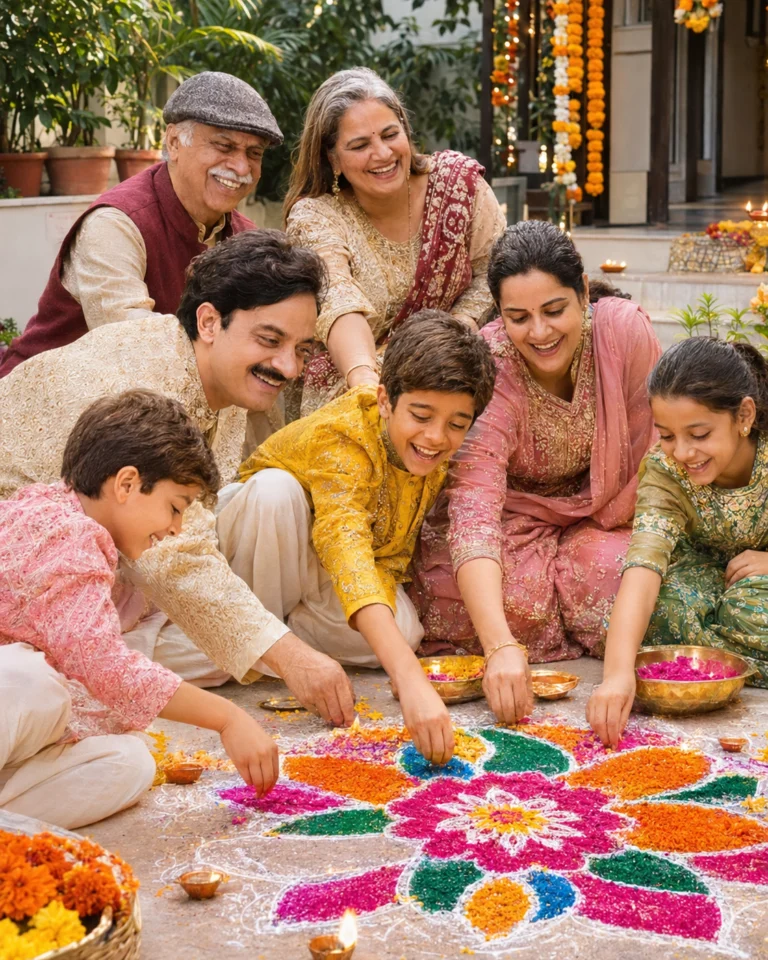 DiwaliDiwali Family Photo Prompts (2026): 8 Ideas for Parents, Kids & Grandparents
 DiwaliDiwali Couple Photo Prompts (2026): 8 Romantic Looks for Couples
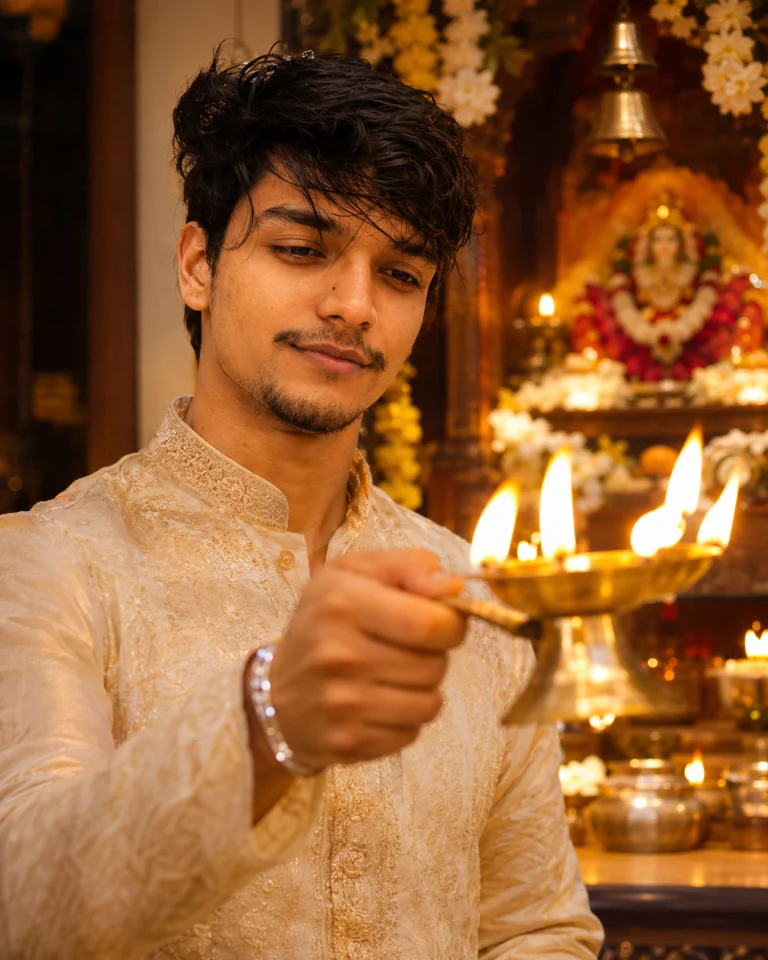 DiwaliDiwali Photo Prompts for Boys (2026): 8 Kurta & Sherwani Looks That Keep Your Face